Flip to start,
lift to stop.
The most physical, intuitive focus timer ever made. No buttons to press. No screen to look at. Just focus.
28:00
Great focus.
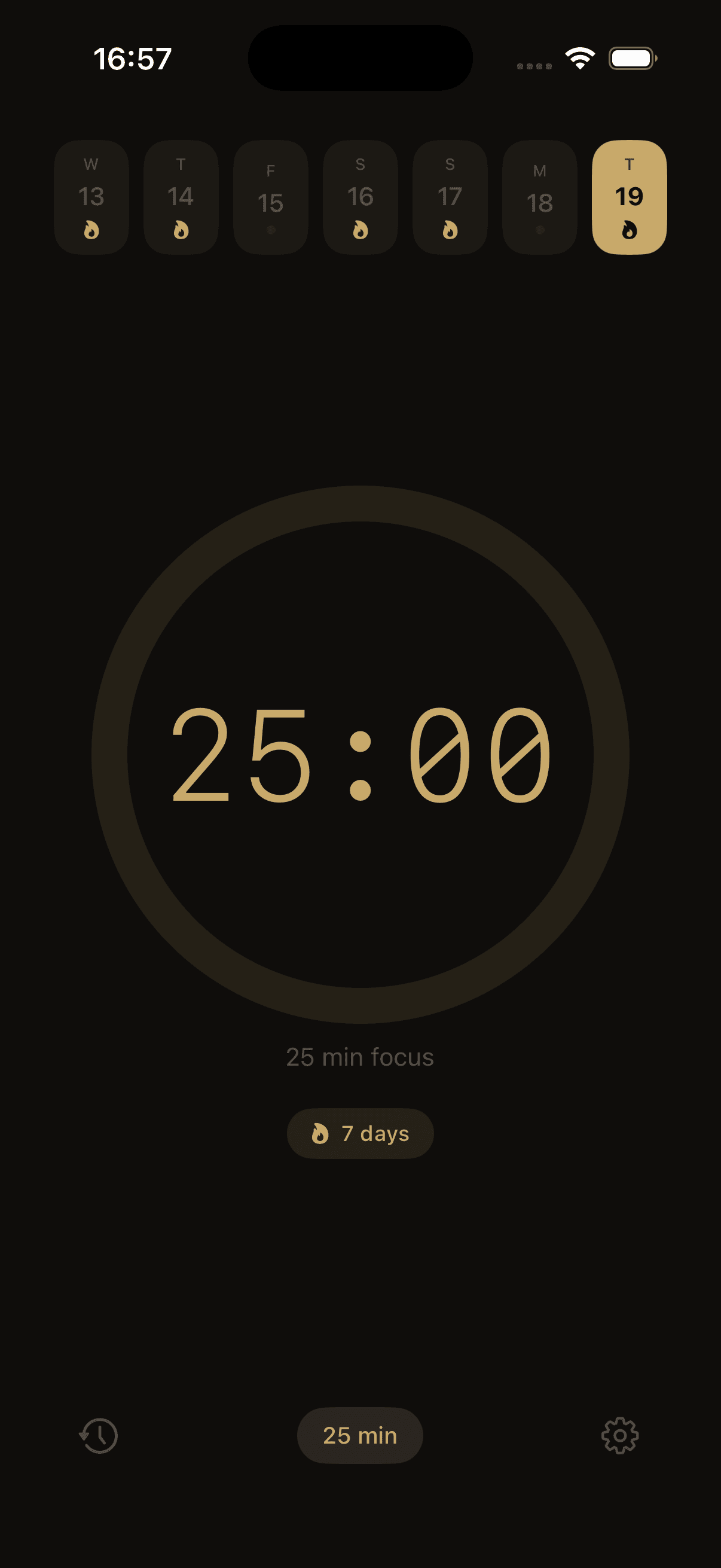
Physical interaction.
Your phone becomes the tool, not the distraction.
Set Target
Choose your focus time, or let it free-run indefinitely.
Flip to Start
Place face-down. The screen dims and the timer begins automatically.
Lift to Stop
Pick it up to pause. Review your recovery and session stats.
Zero Light Distraction
The moment you flip your phone, the screen dims to pure black. No glowing pixels to pull your eyes away.
Ambient Sounds
Brown noise, rain, or forest sounds—playing only while you're actively focusing.
Apple Ecosystem
Seamless integration with Apple Watch companion app and Lock Screen widgets.
Detailed Analytics
Session logs, weekly charts, and streak counters. Measure your true focused time, entirely on-device.
Under the hood.
FlipTimer is more than a UI; it relies on complex native iOS system integrations to achieve a flawless, screen-free interaction model.
Sensor Integration
Utilizes CoreMotion and the device accelerometer for highly reliable face-down detection with zero false-positives.
Background Audio
Manages continuous ambient audio playback even when the app is suspended or the screen is locked, respecting system audio interruptions.
SwiftUI Architecture
Built entirely with native SwiftUI, emphasizing state-driven UI updates, smooth geometric matched effect transitions, and reactive data flows.
WidgetKit & WatchKit
Cross-device synchronization using App Groups and robust extensions for Lock Screen widgets and Apple Watch companions.
Local-First Persistence
Privacy is prioritized by storing all focus logs and session data locally using SwiftData/CoreData. Zero cloud tracking, ensuring user data remains strictly on-device.